Demo Installation
- Make sure you’ve installed all the required & recommended plugins by the theme before demo installation.
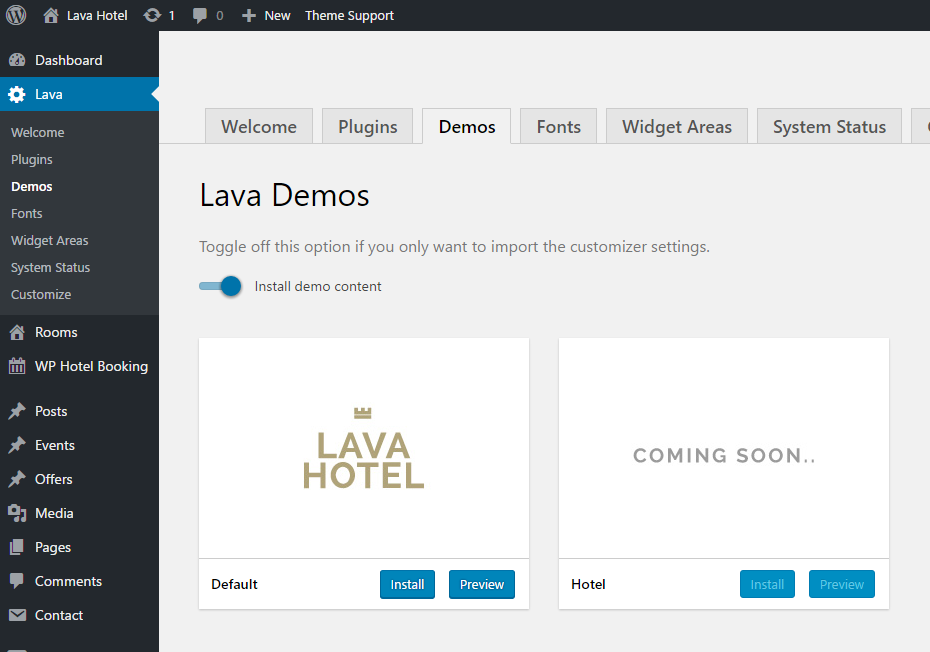
- Once you’ve done that, go to Lava > Demos section, click the Install button to import your selected demo.
- Wait until the installation progress complete, this could take a minute or more. That’s it.
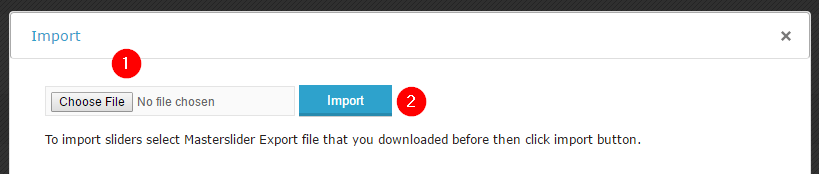
After importing the demo, you may also want to import the demo slider on homepage. Go to Masterslider > Masterslider and click on the Import & Export button to import the demo slider.
demo_masterslider.json is located in the Demo data folder of your theme package.