Setting custom LearnDash Login & Registration redirection pages
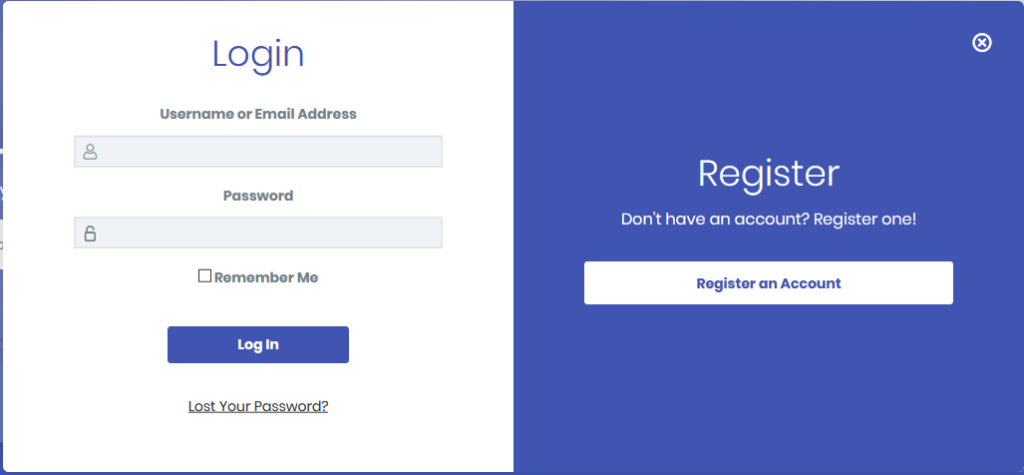
Login & registration modal was introduced in LearnDash v3.0 along with the Learndash 3.0 theme. LearnDash > Settings > Login & Registration.
By default, users will be redirected to the current page they are on after a successful login or registration. To customize the redirection page, following filters can be used: learndash-login-form-args, learndash-registration-form-redirect.
Custom login redirect page:
function custom_login_form_args( $login_form_args ) {
    $login_form_args['redirect'] = site_url( '/sample-page/', is_ssl() ? 'https' : 'http' );
    return $login_form_args;
}
add_filter( 'learndash-login-form-args', 'custom_login_form_args' );
Custom registration redirect page:
function custom_registration_form_redirect( $redirect ) {
    $redirect = site_url( '/sample-page/', is_ssl() ? 'https' : 'http' );
    return $redirect;
}
add_filter( 'learndash-registration-form-redirect', 'custom_registration_form_redirect' );
To make them work, please try to paste the above code snippets to functions.php file in your child theme.